How to track calories on WhatsApp with an AI coach
Log meals on WhatsApp by text, photo or voice note, fix anything by just saying it, and watch your calories and protein add up. A step-by-step guide to tracking without a calorie app.
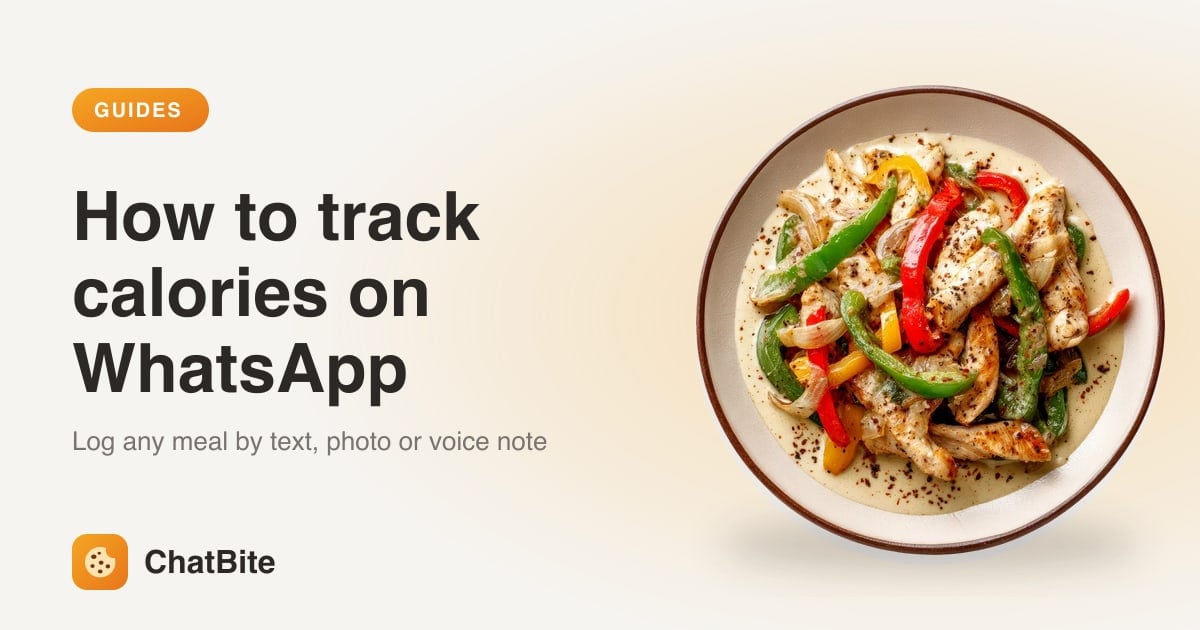
WhatsApp is probably the app you open most every day. ChatBite turns one WhatsApp chat into your calorie and protein tracker: send what you ate as a message, a photo or a voice note, and it replies with calories, protein, carbs and fat, plus how your day is adding up. No app to install, no food database to search. Here's how to set it up and use it.
Step 1: Start the chat
- Tap Start on WhatsApp on our website. WhatsApp opens with a message ready to send.
- Send it. ChatBite replies with a short welcome and a Let's go button.
- Save the chat as a contact or pin it, so it's always at the top.
Step 2: Answer nine quick questions
Tap Let's go and ChatBite asks one question at a time, with a progress line so you know how many are left: your name, male or female (optional), how you heard about us, age, height, weight, goal, how active you are and what you eat. Type answers the way you'd say them, like 5'10, 178 cm, 72 kg or 160 lb. You finish with an All set card showing your daily calorie target and your protein, carbs and fat in grams.
How your daily target is worked out
ChatBite uses the Mifflin–St Jeor equation, the standard formula dietitians use, to estimate the calories your body burns at rest, then multiplies it by your activity level. To lose weight it subtracts about 500 kcal a day; to build muscle it adds about 300. Protein is set at roughly 1.2 g per kg of body weight, or 1.6 g if you're building muscle. Fat is about a quarter of your calories and carbs make up the rest. Targets never go below 1,200 kcal for women or 1,500 kcal for men; if yours would, ChatBite keeps the safe minimum and suggests talking to a doctor or dietitian.
Step 3: Log a meal on WhatsApp
- Type it: “oatmeal with banana and peanut butter”, “chicken caesar salad” or “2 slices of pepperoni pizza”.
- Snap it: tap the camera, take a photo of your plate and send. Add a caption if something isn't visible, like “cooked in butter”.
- Say it: hold the mic and record a voice note. ChatBite shows what it heard, so a misheard word is easy to spot.
Each meal comes back as a card with the items, calories, macros and a bar for your day, and three reply buttons underneath: Edit, Delete and Today. Items marked with a ~ are estimates worth a second look.
Fix anything by just saying it
- Tap Edit and type the change: “it was 2 slices, not 1” or “add a tablespoon of olive oil”. Only that line changes and your totals update.
- Or skip the button: “that was dinner, not a snack” or “it was tofu, not chicken”.
- Fix an older day: “edit yesterday's lunch”. ChatBite lists the meals with numbers; pick one and say what's different.
- See what's inside a meal: “what was in that bowl?” gives the item-by-item breakdown.
- Remove a meal with Delete, or by saying “delete my 4 pm snack”.
It remembers how you eat
Tell ChatBite something once and it keeps it in mind: you're vegetarian, you take your coffee black, your usual breakfast is a particular granola with one scoop of whey. Next time, “my usual breakfast” is enough. Tips and meal ideas follow your diet, so a vegetarian never gets told to add chicken.
Water, workouts and weight
- Water: “drank 2 glasses of water” (a bottle counts as two glasses, a litre as four).
- Workouts: “45 min weights”, “30 min run” or “8,000 steps”. If you don't say how long, ChatBite asks.
- Weight: “weight 72.4 kg”. You'll see how it moved over the past week.
- Questions: “plan my dinner to hit my protein” or “give me a high-protein vegetarian meal plan for tomorrow”. ChatBite answers anything about food, nutrition, fitness and healthy habits.
Check your progress
| Send | What you get |
|---|---|
| today | Today's meals, calorie and macro bars, water and one tip |
| week | A bar for each of the last 7 days, your averages and weight change |
| how much protein is left? | An answer from your own numbers, with foods that fit your diet |
| profile | Your weight, goal, targets and usual meal times |
| goal / remind / stop | Change your goal, your summary time, or pause messages |
Reminders that don't nag
By default ChatBite sends very little: a good-morning message with today's plan, a check-in only if a meal hasn't been logged, and a short recap before bed with one tip for tomorrow. Everything runs on your local time. Water, snack and gym reminders are off unless you ask for them, and nothing arrives while you're mid-conversation or after your bedtime. Say good night and it stays quiet until morning; send stop and everything pauses.
One WhatsApp detail: WhatsApp only lets a business chat with you freely for 24 hours after your last message. If you go quiet for longer, ChatBite can only send a short notification. Logging a meal or saying hi once a day keeps your morning plan and nightly summary coming as normal.
Weekly 7-day challenges
Once a week ChatBite offers one small habit for seven days: enough water, your protein target, logging every meal, vegetables with lunch and dinner, a walk after dinner, no sugary drinks, or an earlier dinner. Nothing starts unless you tap I'm in. Progress shows in your nightly recap, you get a summary on day eight, and you can stop any time.
How accurate is it?
Every number is an estimate. ChatBite checks its food library first and only falls back to its own estimate (marked with a ~) when a dish isn't there. Photos are harder than text, since oil, butter, sauces and hidden ingredients don't always show, which is why a caption helps and why ChatBite sometimes asks a quick question. Correct a meal when it looks off; ChatBite keeps your corrections in mind for similar meals.
Privacy and price
ChatBite stores what it needs to track your day: your profile, your meals and the things you asked it to remember. Food photos are used to read the meal. Send delete at any time and your account and all its data are permanently removed. Every new account starts with a 3-day free trial of Pro, no card needed. After that you can stay on the free plan or upgrade; see the pricing page for current plans.
Quick answers
- Do I need to install anything? No. It's a normal WhatsApp chat, on Android, iPhone, WhatsApp Web or desktop.
- Can I log a meal I forgot yesterday? Yes. Say “yesterday's dinner was salmon, rice and broccoli” and it goes on the right day.
- What kinds of food does it understand? Everyday meals from many cuisines, from home cooking to restaurant dishes and packaged snacks. If it isn't sure, it asks.
- Can I add it to a group? No. It's a one-to-one chat, so your meals stay between you and ChatBite.
- Prefer Telegram? ChatBite works there too, with the same features. See our Telegram guide.
- Is this medical advice? No. ChatBite gives nutrition estimates for general fitness. For health conditions, talk to a doctor or registered dietitian.
Values are typical estimates for home-style food and vary by recipe and portion. This is general information, not medical advice.
Put it into practice
Snap your next meal and ChatBite does the maths. Free for 7 days, no card needed.